Showing posts with label eCal for Sizzix Eclips Malaysia. Show all posts

Friday, September 23, 2016

Sizzix: Eclips2 Welding function.

Using Ecal software came with Eclips2 machine.
Stack up different snowflakes as shown on screen then press "Weld" button all overlapping will be weld automatically.

Result of Welding function.

Cutting process.

Monday, September 5, 2016

Sizzix: Eclips2 Alphabet Cutting with Ecal.

All the alphabets and welding cut outs were done by eCal software came with the Sizzix Eclips2 machine. To purchase your Sizzix Eclips2 machine click on the
Bon Voyage cut-outs

Shadow Black-out

Alphabet Welding

Alphabet Welding


Background cut-outs

Alphabet cutouts

Alphabet Cutouts

Tuesday, July 5, 2016

Sizzix: Tutorial on Eclips2 Print2Cut Function.

Step by step on how to use the function Print-2-Cut function.
Things needed:
Image file download from internet.
Sizzix Eclips2 Machine.
Ecal software came with Sizzix Eclips2.
Any regular printer at home.
Media such as cardstock, Printables, Image Transfers, Grunge board, Shrink Plastic,Vinyl,Magnet Sheets, Chipboard and much more..
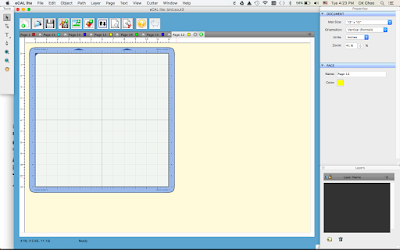

Load Ecal Software

Import any image(eg.bird.jpg)  from internet

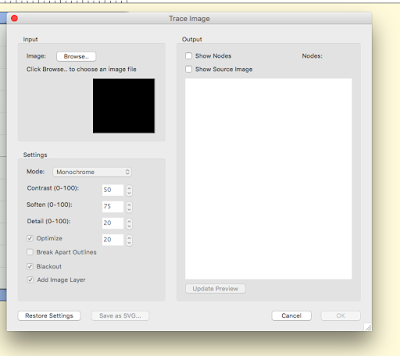
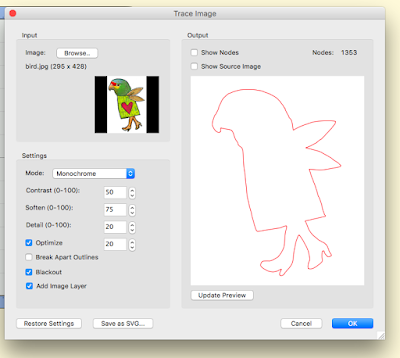
Trace image

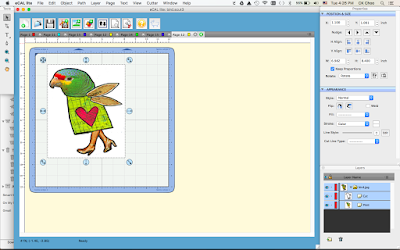
Resize to any side on the cutting mat

Add Layer

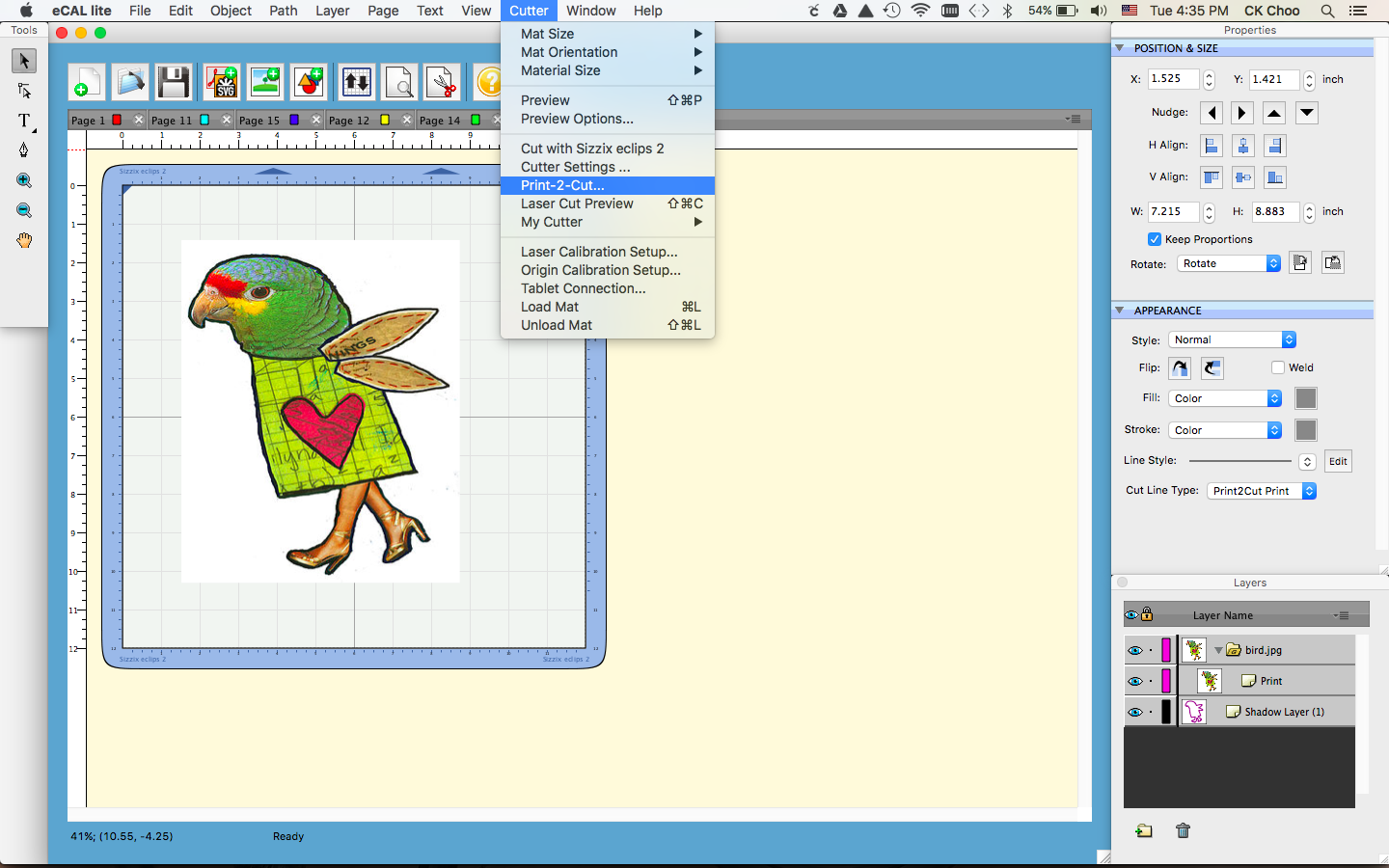
Shadow layer already added to Layers then trash Cut under bird.jpg as highlighted above.
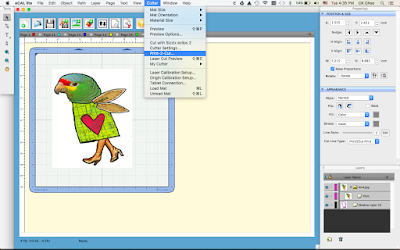
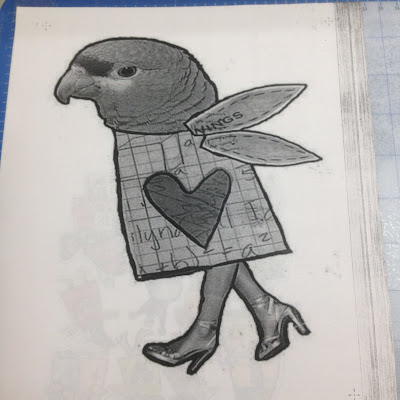
Proceed to Print 2 Cut Function. Press Print the image will print on your regular printer.

Press Next will proceed to Eclips Controller then set the laser to the registrations marks printed with your printer. After setting the laser on 3 registration marks press Cut. Eclips2 will proceed with cutting.
Use the laser on the machine to position on the registration mark press Next.
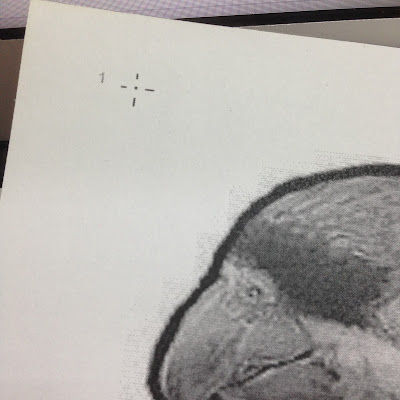
Example the 3 registration marks
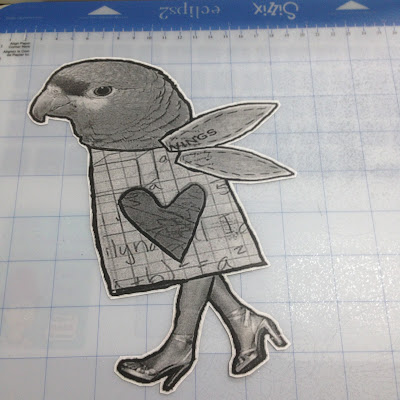
Done Cutting with an added shadow on the edge of the print
                                                    

Thursday, June 23, 2016

Thursday, July 10, 2014

Eclips2 and eCal software for Eclips.

                                                 Note: To order click on the image below:


eclips Sure Cuts A Lot Software

Sizzix: With eCal and the eclips, you can weld multiple shapes and letters into 1 cut and access the special Print2Cut feature to design, color and print what you want, exactly where you want. Includes a shape library that offers hundreds of ready-to-cut shapes. Additional features:
Boolean Operations
- exclude, intersect or unify multiple shapes.
Fill shapes with included patterns or use your own.
Fill solids, expand shadow and join shapes.
Import and modify JPEG, TIFF, BMP, GIF and PNG files.
Auto tracing
- automatically converts images into cut lines.
Laser cut preview
- see where you'll cut before you cut. Requires: Windows XP/Vista/7, Intel Pentium or equivalent, Mac OSX 10.5/10.6/10.7, Mac Intel based processor, 512 MB or Ram, 50 MB hard drive, USB Port 1.1 or 2.x and Sizzix eclips machine.

Eclips2 Machine Mac and PC Compatible
Eclips2 Machine
eCal Pro software
Sizzix/Eclips:With no cartridges required, the newly redesigned eclips2 contains an enhanced motor with industrial-strength gears for speed, reduced noise, efficiency, precision cutting and more. Cut vellum, paper, cardstock and chipboard. Features an auto selection of speed and pressure for materials to be cut. Laser cut preview offers a sneak peek cut which eliminates material waste. In addition, the eclips2 is accompanied by free eCAL lite software to create your own designs, plus cut, score, draw and edit unique shapes for beautiful, customized projects from the start.