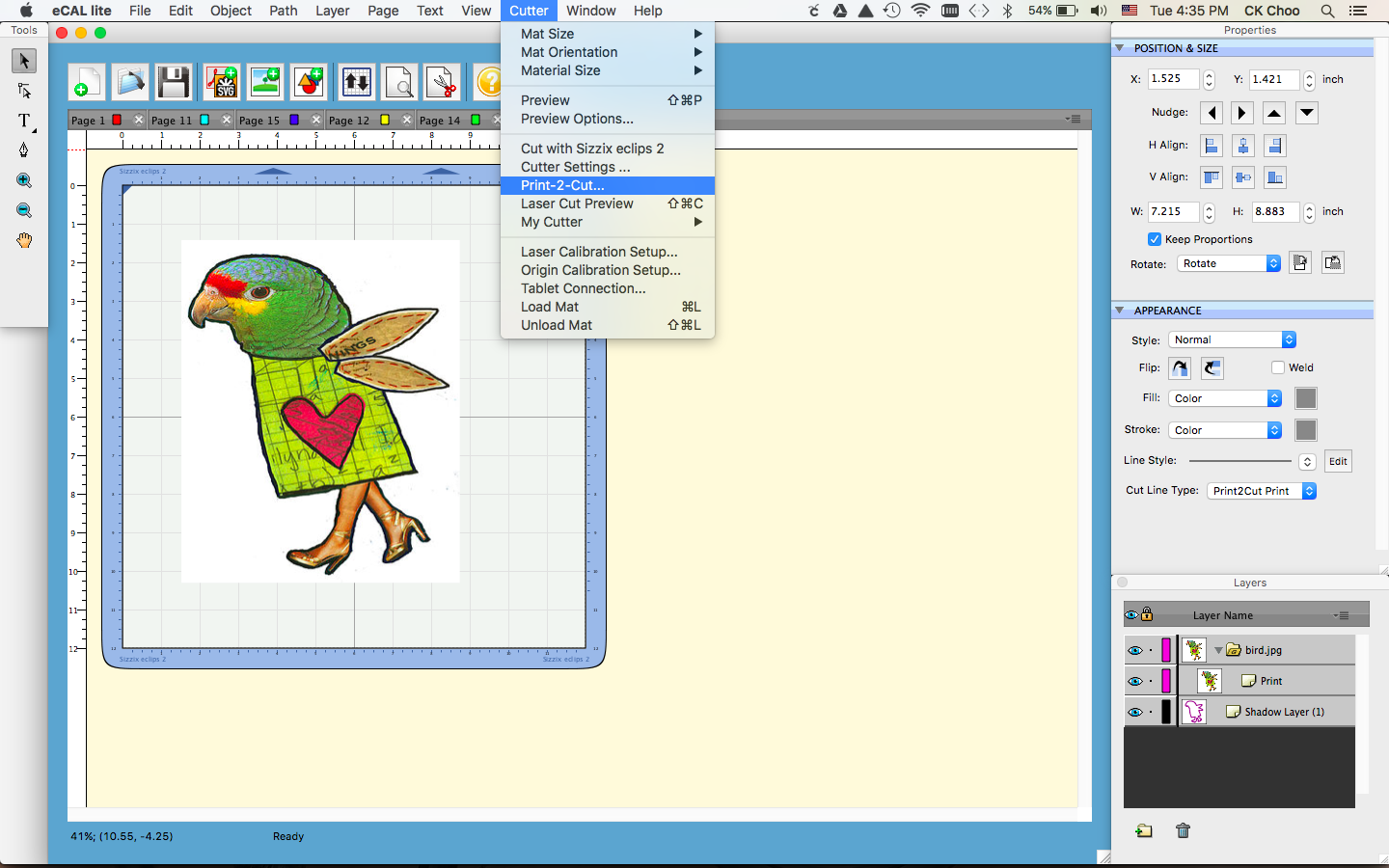
Step by step on how to use the function Print-2-Cut function.
Things needed:
Image file download from internet.
Sizzix Eclips2 Machine.
Ecal software came with Sizzix Eclips2.
Any regular printer at home.
Media such as cardstock, Printables, Image Transfers, Grunge board, Shrink Plastic,Vinyl,Magnet Sheets, Chipboard and much more..
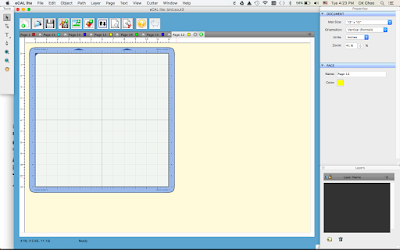 |
| Load Ecal Software |
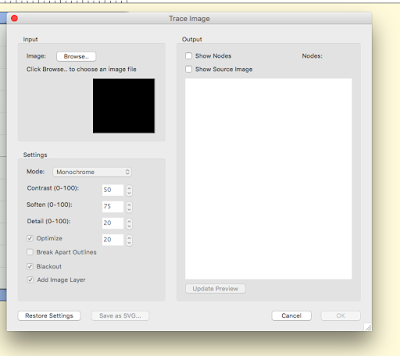 |
| Import any image(eg.bird.jpg) from internet |
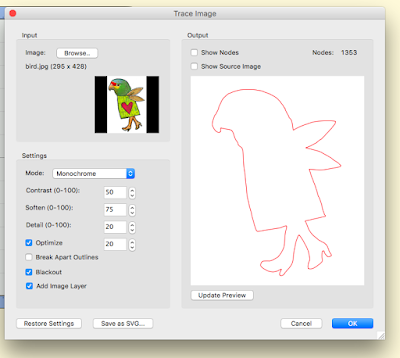 |
| Trace image |
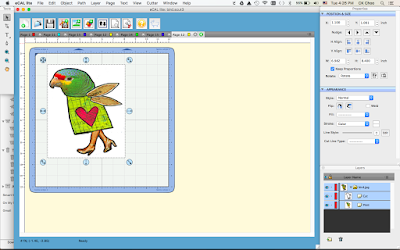 |
| Resize to any side on the cutting mat |
 |
| Add Layer |
 |
| Shadow layer already added to Layers then trash Cut under bird.jpg as highlighted above. |
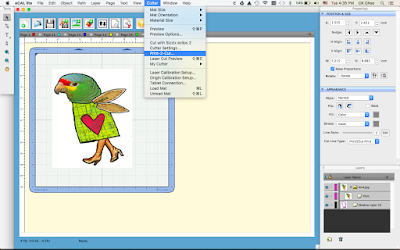 |
| Proceed to Print 2 Cut Function. Press Print the image will print on your regular printer. |
 |
| Press Next will proceed to Eclips Controller then set the laser to the registrations marks printed with your printer. After setting the laser on 3 registration marks press Cut. Eclips2 will proceed with cutting. |
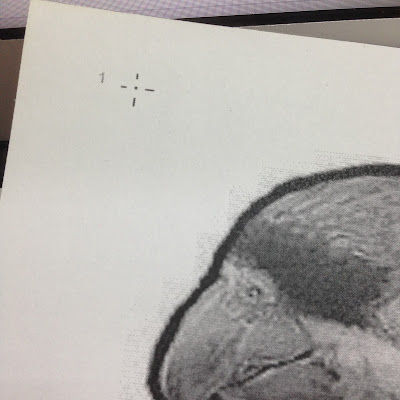 |
Use the laser on the machine to position on the registration mark press Next.
|
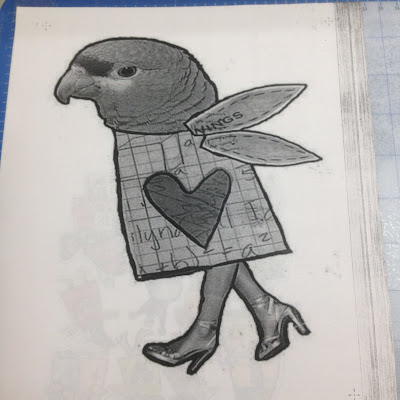 |
| Example the 3 registration marks |
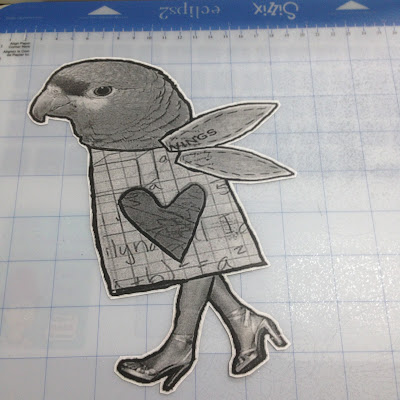 |
| Done Cutting with an added shadow on the edge of the print |